
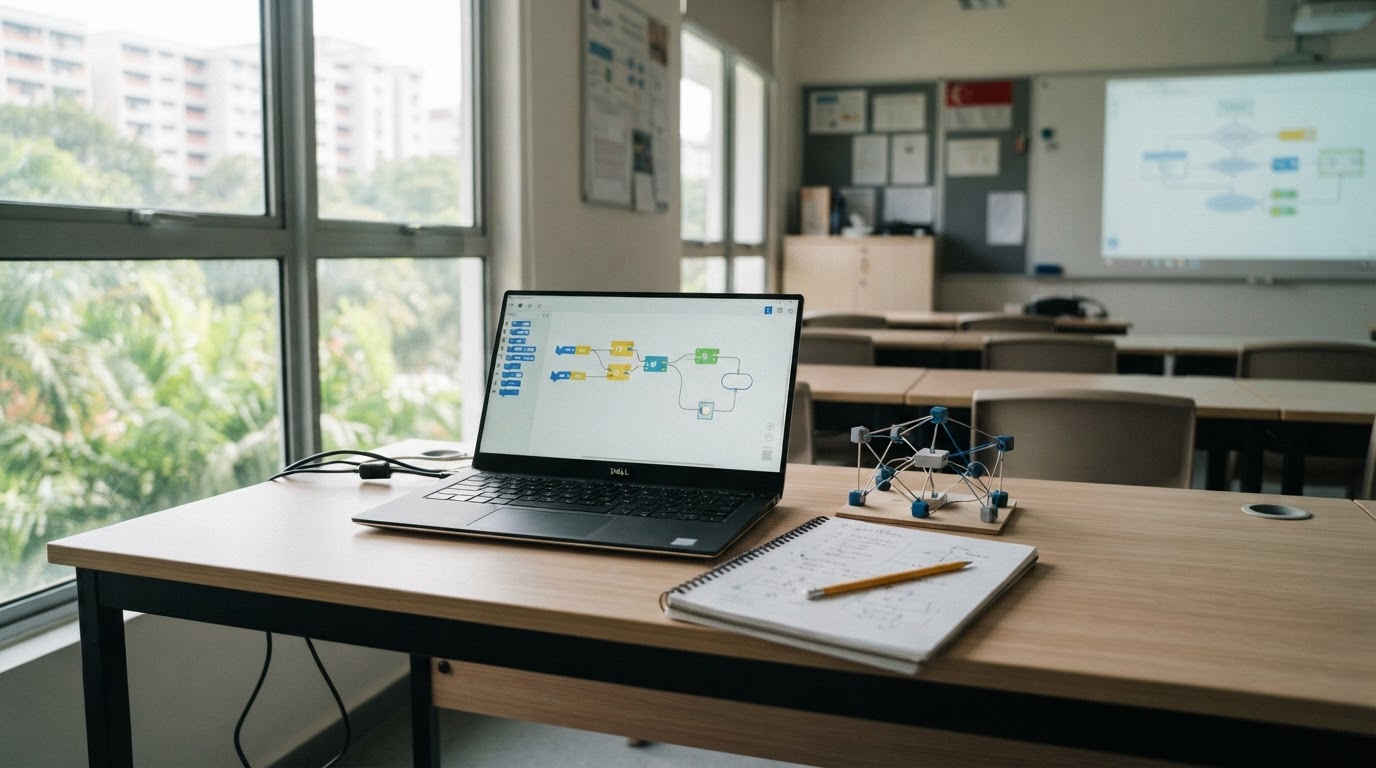
A G2 Computing student can complete a spreadsheet, animation or Scratch program and still lose the benefit of that work by saving the wrong version or leaving a required file in the wrong place. In the published 2027 SEC G2 Computing syllabus K237, Paper 2 is a computer-based laboratory examination in which candidates submit the required softcopy work. File-handling accuracy is therefore part of sensible preparation, not an afterthought.
Parents should not buy an expensive new computer or invent their own exam submission rules. Ask the Computing teacher which software, saving method, filenames and permitted submission steps the school uses. Then teach your child a calm sequence: understand the task, work, save, reopen, inspect and submit only through the authorised procedure.
- Know the syllabus: K237 was introduced for SEC 2027, with Paper 1 e-Examination (50%) and Paper 2 lab-based examination (50%).
- Paper 2 tests practical work: spreadsheets, media software and programming; required softcopies must be saved.
- Teach a repeatable habit: save, verify content, verify correct version and confirm the school’s required location.
- Do not improvise rules: school-issued instructions take precedence over home-made filename conventions.
- Use simple drills: short practical tasks followed by an independent file check.
- Ask about resources: the syllabus says examination centres provide the required hardware and software for lab Paper 2.
What the 2027 K237 examination requires
The official syllabus specifies six learning modules: computing fundamentals, networking, impact of computing, spreadsheets, media software and programming. Paper 1 lasts 1 hour 30 minutes and contributes half the grade. Paper 2 lasts 2 hours 15 minutes, also contributes half the grade, and assesses practical tasks in spreadsheets, media software and programming. The time allowed includes time for saving required work on the candidate’s computer.
The syllabus identifies three practical task areas—media software, spreadsheets and programming—with approximately 30, 25 and 25 raw marks respectively. These are examination-year details, not a promise that every school assignment will use the same task length or file process. A child in Secondary 1 in 2026 would ordinarily sit SEC in 2029, so parents should use 2027 as a current reference and later check the applicable year’s syllabus.
Why file mistakes are not the same as weak Computing understanding
A student might be perfectly capable of making a chart but save an outdated workbook after adjusting its data. Another might spend twenty minutes debugging a Scratch game, then submit an earlier copy. A third might export a graphic in the wrong format. These are different problems: understanding the computing task, completing the work and delivering the correct result.
Instead of telling the child to be more careful, ask them to reconstruct the sequence. At what point did the file become different from the intended result? Did the student create several versions with similar names? Did they forget to reopen the final file? Did the required format differ from the one they saved? The remedy should target the actual failure.
Use a six-step workflow that can transfer between applications
- 1. Read: identify the requested product, software, file format, required components and location in the task instructions.
- 2. Name: where the school allows it, use a simple, meaningful working filename; never override an examination-specific naming convention.
- 3. Build: complete one requirement at a time and check that the workbook, graphic, presentation or program behaves as intended.
- 4. Save: save using the software and location specified by the school. Do not assume cloud syncing is available during an examination.
- 5. Reopen: verify that the saved file can be opened and includes the latest changes, correct data or running script.
- 6. Submit: follow the school’s authorised steps and inspect any confirmation if the system provides one.
This is a home-practice routine, not a description of SEAB’s secure interface. Students must follow official examination-centre instructions on the day, including any directions about folders, export formats and troubleshooting.
A realistic spreadsheet example
Suppose the child is asked to prepare a table of CCA attendance, calculate totals and create a chart. They have applied formulas correctly, but their final version shows the previous data because they changed a different workbook. Have the child explain three checks: whether the formulas refer to the right cells; whether the chart updates when input values change; and whether the reopened saved workbook is the same one they meant to submit.
The K237 syllabus includes spreadsheet formulas, charts, cell referencing, common functions, sorting and validation. It is more useful to check the purpose of the formula than to memorise which button was pressed. An incorrect reference can produce a neat chart that is still wrong. Label these separately in the error log: calculation, visualisation and file handling.
A second example: the Scratch game that worked yesterday
A child may build a game in Scratch with a player controlled by key presses, a score variable and a message when the game ends. If the game fails after saving, ask them to test the start condition, one key press, the score update and the end condition. Then reopen the saved project and try those same tests. This turns a frustrating incident into a debugging procedure.
For Paper 2, do not teach an unrelated programming language simply because it is popular online. The official 2027 syllabus provides examinable Scratch-based programming and specific application-software skills. The particular approved software used at school matters; confirm it with the teacher.
What if the household has no suitable computer?
The 2027 K237 syllabus states that the examination centre must provide adequate hardware and approved software and that each candidate should have sole use of a laptop during the examination. That is not a requirement for a family to buy a high-specification laptop. If a child cannot practise the school’s software at home, ask about supervised practice during school hours, available school devices or permitted learning resources.
Never install unknown plugins, copy copyrighted examination resources or assume commercial software is essential. The school can explain how its curriculum and practice facilities relate to the approved exam environment.
A two-week plan for practical confidence
- Days 1–3: collect one returned Computing task; separate mistakes into understanding, execution, saving and submission.
- Days 4–6: complete a ten-minute spreadsheet exercise and independently reopen the saved file.
- Days 7–9: complete a short Scratch or media task approved by the teacher and test its output after saving.
- Days 10–12: follow a written checklist without parent prompts; fix any step the child routinely misses.
- Days 13–14: rehearse one unfamiliar but appropriately levelled task using school-approved software and review the result calmly.
A parent can be the audience who asks, ‘Show me the actual saved version,’ but should not take the keyboard and complete the assignment. The child needs an independent habit that works when a parent is not there.
When to speak with the teacher
Ask whether the student’s errors arise mostly from content knowledge, application-software skills, following multi-part instructions, or file management. Ask which skill comes first in the present term, what software version the class uses, and whether school computers are available for authorised practice. For any disability-related access concern, seek school guidance early rather than inventing workarounds.
Frequently asked questions
Must my child know Python to take G2 Computing K237?
Do not assume Python is the practical programming language merely because it is common elsewhere. Check the K237 examinable programming specifications and the school’s actual teaching software; the 2027 Paper 2 material includes Scratch.
Is saving the file part of Paper 2 time?
Yes. The published 2027 K237 syllabus explicitly includes time for saving required softcopy work within the stated 2-hour-15-minute lab examination.
Will studying file management alone improve the grade?
No. The student still needs to understand spreadsheets, media and programming. A saving routine simply protects the work they have learned to do.
Official sources and related parent guides
SEAB 2027 SEC G2 Computing K237 syllabus (PDF) · SEAB G2 syllabus index · G2 K237 lab examination guide · What G2 Computing teaches.
Accuracy check: 24 November 2026. This article distinguishes published 2027 SEAB assessment requirements from home-practice suggestions; students must use their school’s current instructions and the relevant examination-year syllabus.