
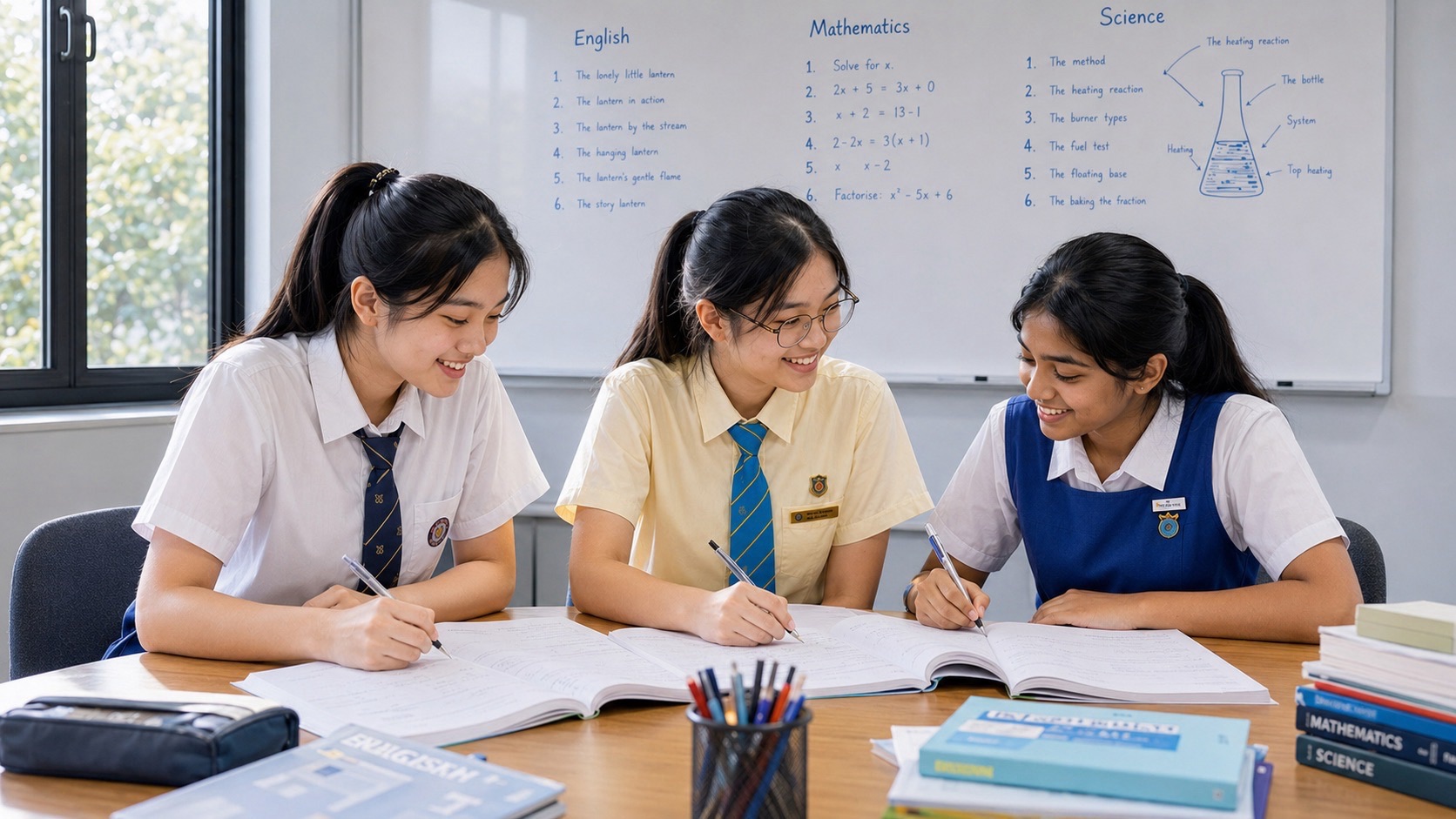
Every secondary school student in Singapore uses a school-prescribed Personal Learning Device (PLD) under the National Digital Literacy Programme, but the device and school arrangements can differ. Parents choosing six PG2 schools should understand how the PLD is used for learning, what model the school prescribes, how it is managed and what support is available when a device stops working.
A PLD is not simply a screen for entertainment. It supports access to the Singapore Student Learning Space (SLS), collaboration, research, productivity tools and digital learning activities. Schools also use the MOE Device Management Application (DMA) and cyber-wellness education to support safer use. Ask for the current device specifications, purchasing process, costs, support arrangements and school rules before buying anything.
- Check the device: confirm the prescribed model, operating system, accessories and warranty for the incoming cohort.
- Understand management: ask how the DMA, filtering and usage settings are used at school and at home.
- Ask about learning: find out how teachers use PLDs and SLS in ordinary lessons and assignments.
- Check support: know where students go for repairs, loan devices or technical help.
- Understand costs: check the bundle price, subsidy or Edusave arrangements and any optional accessories.
- Build responsible habits: teach charging, file organisation, privacy, backups and balanced screen use.
1. What is the National Digital Literacy Programme?
MOE’s National Digital Literacy Programme (NDLP) equips secondary students with digital skills and school-prescribed PLDs. The device supports classroom learning and the use of digital platforms such as SLS. Depending on the school’s choice, a PLD may be a Chromebook, Windows laptop or another prescribed device.
The device is selected to work with the school’s teaching and learning arrangements. Parents should not purchase a preferred laptop independently before checking the school specifications. A non-prescribed device may need to meet compatibility conditions and have the DMA installed before it can be used for school learning.
For examples of current school-level explanations, see East Spring Secondary’s NDLP page and Whitley Secondary’s NDLP page. These illustrate how schools explain the programme; the actual device for your child must be confirmed by the receiving school.
2. Understand the Device Management Application
The DMA supports classroom management and helps manage the device, including updates, filtering and usage settings. Schools may explain which controls apply during lessons and which settings parents can manage outside school hours. The precise arrangement depends on the school’s device deployment and MOE instructions.
Parents should read the data and privacy information carefully. Ask what information is collected, who can access it, what filtering or usage controls apply and how to get technical assistance. Do not try to bypass the management software; it is part of the school’s approved learning environment.
The DMA does not replace family guidance. Children still need help recognising unsafe links, protecting passwords, evaluating online information, using respectful language and managing screen time. Discuss a simple home routine that includes breaks, sleep and non-screen activities.
3. Ask how PLDs are used in actual lessons
A device can support research, writing, presentations, simulations, data handling and collaborative projects. But the value depends on how teachers integrate it into learning. Ask whether students use the PLD to create and explain work or whether it is mainly used to access worksheets and submit assignments.
The device should support learning, not become an end in itself. In Mathematics, a digital tool may help students represent patterns or organise data. In Science, pupils may record observations or analyse information. In English and Humanities, they may research, draft and revise. Students still need to think carefully, check sources and explain their reasoning.
Ask how the school supports a student who is less confident with file management, digital organisation or typing. A child should not be expected to know every application simply because they have used a tablet in primary school.
4. Check costs and technical support
The school’s registration information should explain the device model, bundle, warranty, payment process and any support or financial assistance arrangements. Some Singapore citizens may use Edusave funds according to the applicable rules. Check the current price and options; do not rely on a previous cohort’s quoted cost.
Ask what happens if the device is damaged, lost or sent for repair. Is a temporary device available? Where should a student report a fault? How long might a repair take? What accessories are required, and which are optional? These questions help parents avoid unexpected purchases and disruption.
A PLD is a school learning tool, so the pupil should learn to charge it, keep it secure, update it as instructed and back up schoolwork. Parents can support the routine without doing every task for the child.
5. Cyber wellness and responsible use
- Use the PLD for the stated learning purpose and follow the school’s acceptable-use policy.
- Keep passwords private and do not share accounts with friends.
- Check the reliability of websites and cite sources when required for assignments.
- Do not post classmates’ images, work or personal details without permission.
- Tell a trusted adult if a message, website or online interaction feels unsafe.
- Take screen breaks and maintain a balanced routine outside school.
MOE’s device programme includes cyber-wellness education and school-level rules. The school should explain how students are taught to use digital resources responsibly and how parents can support these habits. A device policy is not just a technical matter; it is part of the school’s approach to student development.
6. Questions to ask the school before purchase
- Which exact PLD model and operating system are prescribed for the 2027 cohort?
- What is included in the bundle, warranty and repair support?
- Can a family use an alternative device, and what compatibility requirements apply?
- How does the DMA work, and what controls can parents manage after school?
- How often are PLDs used in lessons, and what is the school’s approach to SLS?
- What happens if the device is lost, damaged or temporarily unavailable?
- Are payment assistance or Edusave arrangements available for eligible students?
Wait for the receiving school’s official instructions before purchasing a device. The exact specifications and purchase procedures are school-specific and may change from one cohort to another.
7. Frequently asked questions
Can we buy any laptop for our child?
Do not assume so. Schools prescribe a device and may allow an alternative only if it meets the required operating-system and DMA compatibility conditions.
Does the PLD mean my child will use screens all day?
No. The device is one tool within teaching and learning. Ask how it is used across subjects and how the school balances digital and non-digital activities.
Can parents manage the device after school?
Schools explain the available DMA settings and parent options. Read the school’s current guidance before changing device settings.
Should I buy the PLD before the posting result?
No. Wait for the receiving school’s instructions so that you purchase the correct model and bundle.
Official information and further reading
MOE SchoolFinder · MOE Secondary 1 Posting · Secondary 1 Mathematics Tutor Clementi — Small Groups Tutorials · East Spring Secondary: National Digital Literacy Programme · MOE Educational Technology Journey · MOE Student Kit: Cyber Wellness and Learning with a PLD
Editorial check: 22 November 2026. Assessment arrangements, communication platforms, PLD specifications and facility access can vary by school and intake. Confirm current details with MOE and the individual school. Historical cut-off points are not admission guarantees. No academic outcome is guaranteed.