
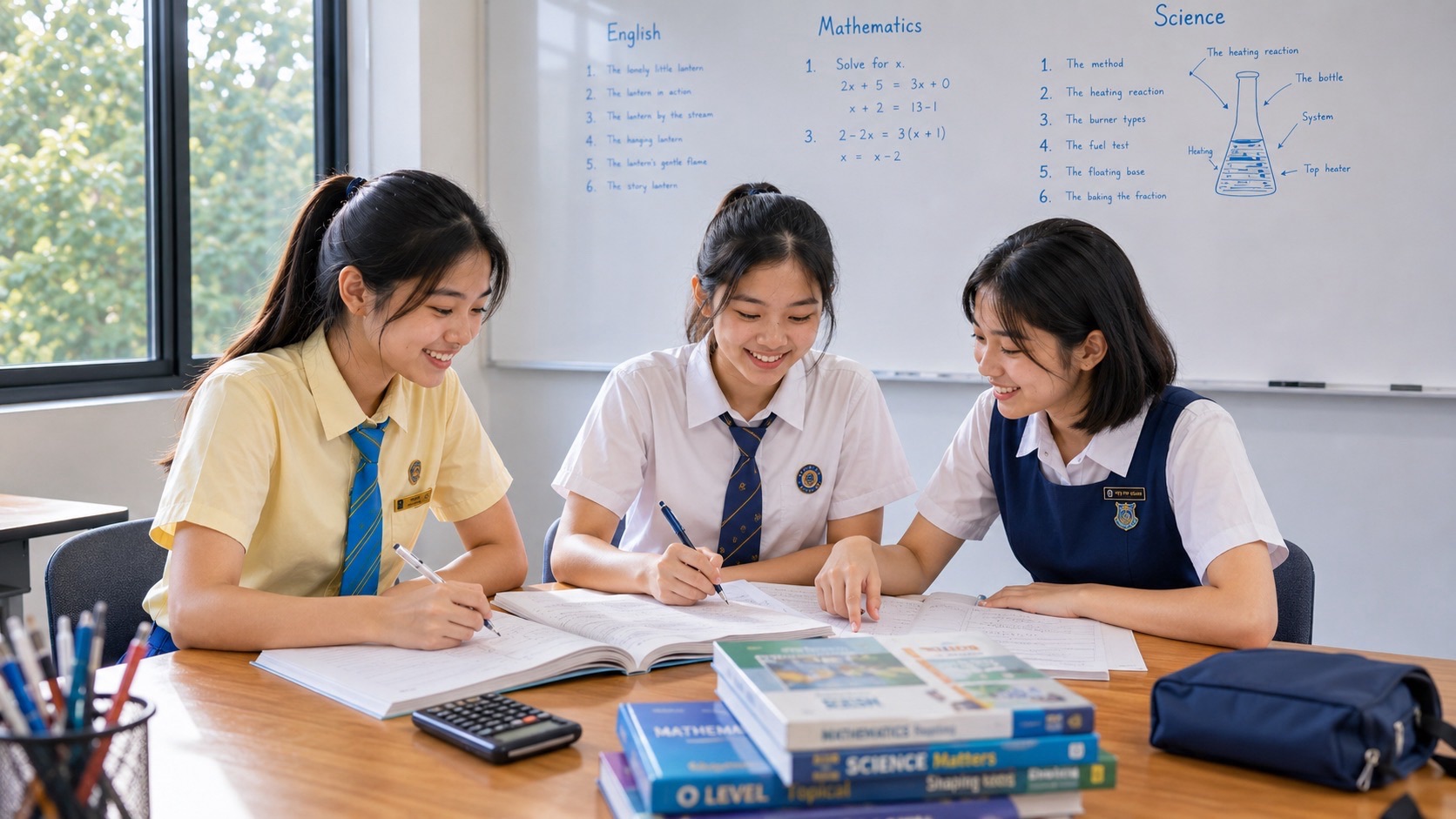
Secondary 3 SEC FullSBB G2 Computing (SEAB K237) assesses understanding of computers and the ability to produce reliable digital work, not merely how confidently a teenager uses phones or games. If your child can operate familiar apps but becomes stuck on Scratch loops, spreadsheet formulas or file submission, treat those as distinct teachable gaps. For students in Secondary 3 in 2026, K237 is particularly important to understand because its first national SEC examination is in 2027.
The 2027 G2 Computing syllabus has a 1-hour-30-minute electronic Paper 1 worth 50% and a 2-hour-15-minute lab Paper 2 worth 50%. The lab requires practical work involving media software, spreadsheets and programming, with files submitted electronically. Ask the school which approved tools are being used and whether the problem is coding logic, referencing cells, editing graphics, reading instructions or saving work. Expensive Python tuition is not automatically appropriate for this visual-programming syllabus.
- Correct subject: G2 Computing K237, a new national SEC syllabus first examined in 2027.
- Paper 1: e-examination, 1h 30m, 70 marks, 50%; knowledge across all six modules.
- Paper 2: lab examination, 2h 15m, 80 marks, 50%; three practical tasks.
- Core applications: spreadsheets, graphics and media, and visual programming such as Scratch.
- Scope warning: MakeCode and microcontroller-related outcomes are for Paper 1; Paper 2 uses specified practical skills.
- First parent action: request one marked practical task and a clear explanation of the first mistake, not more random software tutorials.
Understand the brand-new 2027 K237 Computing examination
The 2027 SEAB K237 G2 Computing syllabus lists six modules: Computing Fundamentals, Networking, Impact of Computing, Spreadsheets, Media Software and Programming. Paper 1 includes 20 multiple-choice marks and 50 structured-question marks in an electronic examination. Paper 2 is a computer-based lab involving media software, spreadsheets and programming; the candidate saves required outputs and submits the softcopy files. Both papers have compulsory questions.
| National paper | Duration and marks | Skills tested | Weight |
|---|---|---|---|
| Paper 1, electronic | 1h 30m; 70 marks | Concepts and applications from all six modules | 50% |
| Paper 2, lab | 2h 15m; 80 marks | Media ~30, spreadsheets ~25, programming ~25 marks | 50% |
The practical time includes saving the files. Examination centres supply required hardware and approved software; the candidate must be able to work independently on the provided computer. The format does not mean a family needs to buy a new laptop. Ask what the school already provides and whether students can access supervised practice.
Six Computing modules: what the child must actually do
| Module | Learning requirement | Useful question at home |
|---|---|---|
| 1 — Fundamentals | Understand CPU, GPU, memory, storage and input/output | Why does a computer need both memory and storage? |
| 2 — Networking | Understand LANs, WANs, internet, routers and addresses | How does a home network connect devices? |
| 3 — Impact | Discuss security, social implications and responsible computing | What makes a password or digital practice safer? |
| 4 — Spreadsheets | Use formulas, cell references, charts and data tools | Will the result update correctly if an input changes? |
| 5 — Media | Use vector/raster graphics, presentations and video principles | Can the file be edited to match a new brief? |
| 6 — Programming | Use variables, conditions, loops, lists and Scratch logic | Can the student predict and debug a program? |
Many students have uneven confidence. A child who can make attractive slide presentations may have weak spreadsheet logic; a student who builds a Scratch game may not know networking concepts. Sort the child’s school work by module before deciding on revision materials. Practising a different coding language may not repair the immediate exam requirement.
Why being good at video games is not equivalent to coding
Playing an application means understanding its interface. Programming means describing exactly what should happen, under which conditions and in what order. In Scratch, an animation may appear to work until the user presses the wrong key or two scripts run together. The student needs to reason about events, loops, variables and state, then test one hypothesis at a time. Praise the process of debugging rather than the number of visual effects added.
Worked example: a score variable that never increases
Imagine an original Scratch project in which the score begins at zero but fails to increase when a player touches a target. A student might keep inserting new blocks without locating the cause. Instead, check whether the event ran, whether the collision condition is met, whether another script keeps resetting the score and whether the correct variable was updated. Make a prediction, test it and change only one suspected cause before retesting.
Parents without programming experience can still ask: What did you expect? What did you observe? Which instruction controls that behaviour? What changed after the test? This is a better form of help than building the entire game for the student. The example is a teaching exercise, not an official specimen paper.
Spreadsheets: a small referencing error can spoil a complete task
Suppose a simple original shopping budget has quantities in column B, unit prices in column C and line totals in D. Entering =B2*C2 in D2 and copying downward changes the row numbers as expected. If a tax rate is stored in F1, a formula using $F$1 keeps that tax-rate reference fixed when copied. A student who cannot distinguish relative and absolute references may produce wrong values while the table still looks attractive.
The syllabus includes functions such as IF, SUMIF, COUNTIF, VLOOKUP, INDEX and MATCH, as well as charts, sorting, filtering and data validation. Practise only the functions currently introduced in school first. The key habit is to change one input and check that the output and formula behave logically, rather than accepting a spreadsheet because it has no visible error message.
Media software: follow the brief before polishing the result
Vector graphics can be scaled without the same loss of quality as a low-resolution raster image. Students also learn to edit graphics, presentations and video material. Practical marks depend on meeting the task: correct dimensions, elements, layout, edits, formats and required outputs. A visually polished poster that omits an instruction may underperform a simpler one that satisfies the brief.
Give the child a short original design checklist and ask them to verify each item before saving. This helps them read instructions carefully, use tools deliberately and avoid missing files. School rules about copyrighted assets and AI-assisted work still apply to assessed exercises.
Is Python necessary? What are Scratch and MakeCode used for?
K237’s published examinable programming blocks cover Scratch, with Scratch skills relevant to Papers 1 and 2. MakeCode blocks and microcontroller outcomes are marked as Paper 1 only. Paper 2’s programming task focuses on the appropriate practical skills; this is not a promise that a Python course is required. Python can be an interesting enrichment choice, but it should not replace mastery of the actual national and school syllabus.
Ask the subject teacher which exact software and file types are taught and assessed. On a tight family budget, school-approved applications and repeated deliberate practice are normally a more sensible first step than a subscription to unfamiliar premium software.
- Debugging: predict what will happen, test a single input and identify the first wrong step.
- Spreadsheets: display formulas, check relative and absolute references, and test modified data.
- Media: identify each deliverable from the brief and check the exported result.
- Theory: explain common computer and network concepts using ordinary examples.
- Exam workflow: practise saving, locating, reopening and submitting files correctly where school guidance permits.
A six-week Computing recovery plan
| Week | Student task | Parent’s check |
|---|---|---|
| 1 | Review one theory and one practical task; identify the main error type | Is it logic, software skill, concept or workflow? |
| 2 | Debug a tiny Scratch game with an intentionally simple bug | Can explain the sequence and correction? |
| 3 | Build a small spreadsheet with formulas and a chart | Does it update correctly when data changes? |
| 4 | Complete a school-approved graphics or presentation brief | Are all instructions followed? |
| 5 | Practise short networking, hardware and digital-impact explanations | Can use accurate everyday examples? |
| 6 | Try a suitable timed mini-lab and review file-saving habits | Can work independently and submit the intended outputs? |
Make the schedule flexible. A student in Secondary 3 may not yet have been taught every K237 module, and full Paper 2 practice can be discouraging before sufficient coverage. A short successful skill-building session can be more useful than a complicated home project that the adult finishes.
What about Full SBB subject levels and tuition decisions?
G2 is the Computing subject level, not necessarily the level of every course on the student’s timetable. Schools may offer particular combinations and apply readiness criteria for changes. Ask the school about the student’s options and the official admission prerequisites for any future course rather than assuming programming interest guarantees a particular pathway.
A tutor is useful when the student cannot independently trace a loop, manipulate data or meet a digital task’s instructions after school feedback. Effective help shows the learner’s diagnosis, a guided repair and a fresh independent test. A tutor who completes the program or spreadsheet for the child can make the submission look better while leaving the understanding unchanged.
Frequently asked parent questions
Is K237 really new for the 2027 SEC?
Yes. SEAB lists 2027 as the first national examination year for G2 Computing K237.
Are there two national papers?
Yes. Both an electronic theory/application paper and a practical lab paper are compulsory, each carrying 50%.
Are microcontrollers part of the practical Paper 2?
No. The K237 syllabus marks microcontroller-related outcomes as Paper 1 only. The official block list also distinguishes MakeCode from Scratch assessment.
Official references, related reading and accuracy note
This guide is based on the 2027 SEAB G2 school-candidate syllabus index, the official subject syllabus PDF and the SEC examination overview. The official syllabus and school notices take priority over tuition marketing and older examination material.
Read eduKateSG’s related G2 syllabus guide and our Clementi teaching-format reference for the emphasis on clear explanations, useful feedback and manageable correction.
Information checked 24 November 2026: National SEC assessments are in 2027 for students who are in Secondary 3 in 2026. Individual school pacing, offerings and student subject levels vary. This article does not promise grades, transfers or admissions; ask the teacher about the child’s school assessment scope, available support and realistic options.