
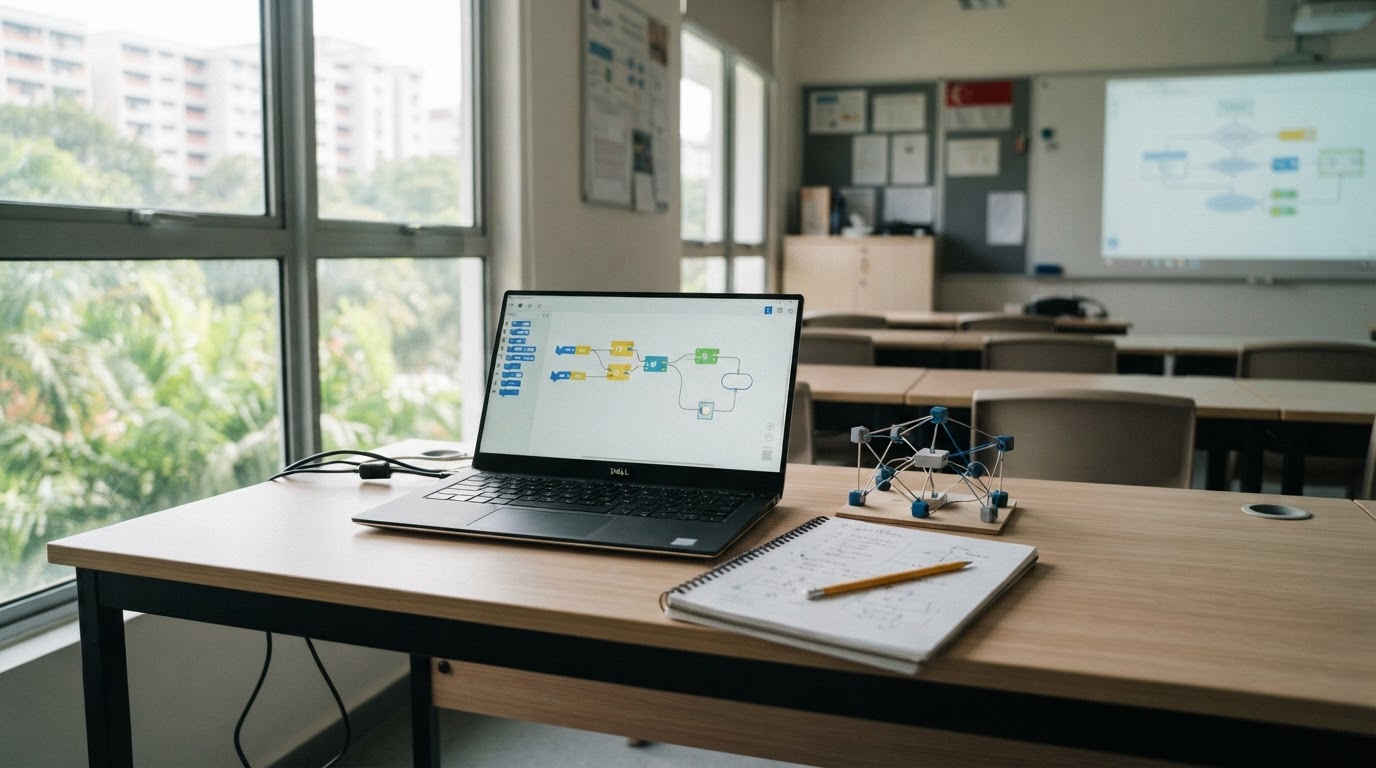
SEAB MOE SEC 2027 G2 Computing K237 covers computer fundamentals, networking, the impact of computing, spreadsheets, media software and visual programming. Parents may see a teenager who can complete an Excel task, design a video or build a Scratch game separately, yet becomes lost when all three appear in one practical assessment. The weak link is often not creativity or computer intelligence: it may be reading a combined brief, selecting operations, testing outputs, managing time or saving the required files. Each needs a different teaching response.
The 2027 K237 examination has two compulsory papers with equal 50% weightings. Paper 1 is a 1-hour-30-minute, 70-mark computer-based e-examination covering all six modules. Paper 2 is a 2-hour-15-minute, 80-mark lab-based examination assessing media software, spreadsheets and programming through three tasks of approximately 30, 25 and 25 marks. Saving the requested softcopy work is part of the allotted time. A strong preparation plan combines knowledge with a repeatable specification-to-delivery workflow.
- Confirm K237, rather than the distinct G1 K127 or G3 K349 Computing syllabuses.
- Understand the 2027 50:50 assessment balance between e-exam and laboratory work.
- Revise all six modules, while training the three practical task areas specifically.
- Build a checklist of requirements before using Excel, PowerPoint, Scratch or media tools.
- Test formulas on changed data and game logic at normal and boundary conditions.
- Save and reopen required files before assuming a practical task is finished.
A young person who spends time creatively experimenting with games, charts and media already brings motivation to Computing. The syllabus adds precision: the program must follow the rule, the formula must calculate the requested quantity and the final file must be accessible for checking.
Parents can support this process without writing the game or spreadsheet themselves. Ask for the specification, predicted output, observed output and a correction, then test whether the learner can repeat the reasoning on a different task.
The K237 syllabus starts with six connected modules
G2 Computing is a school-candidate subject under the 2027 Singapore-Cambridge Secondary Education Certificate. Under Full Subject-Based Banding, pupils may study subjects at different G levels; Posting Group alone does not specify every subject level. Confirm the school’s registered subject code and its approved practice software.
SEAB identifies six K237 modules: Computer Fundamentals, Networking, Impact of Computing, Spreadsheets, Media Software and Programming. They combine conceptual understanding with useful applications and computational thinking. The curriculum is not identical to G1 K127, which has a separate Document Processing module, or G3 K349, whose lab includes Python and JupyterLab.
Students need to understand how systems, data and programs behave, and how software can produce a specified result. Enjoying one app is a valuable starting point but cannot substitute for the other required modules.
Exact Paper 1 requirements for 2027
Paper 1 is an e-examination lasting one hour 30 minutes, worth 70 marks and 50% of the subject. Section A contains 20 compulsory multiple-choice questions for 20 marks; Section B comprises compulsory short structured questions for 50 marks.
Paper 1 draws from all six modules. This means networking and responsible technology use matter even if a learner enjoys practical work more. Knowledge of CPU, GPU, storage, LANs, IP and MAC addresses, cloud services, online threats and common applications can all play a role.
Ask the child to explain how a concept operates in an everyday context rather than merely choose a memorised definition. An unfamiliar question may require applying a familiar rule to a different example.
Exact Paper 2 lab requirements for 2027
Paper 2 is a two-hour-15-minute lab examination worth 80 marks and 50%. Its three practical tasks are in Media Software, Spreadsheets and Programming. The approximate allocations are 30 marks for media, 25 marks for spreadsheets and 25 marks for programming.
The time includes saving required softcopies on the exam computer. All questions are compulsory. A pupil cannot prepare only for a favourite Scratch activity and expect that to demonstrate the whole practical syllabus.
Schools and exam centres provide the prescribed software and equipment. Parents should verify school instructions about permitted tools and submission folders before designing home practice. A different application’s menu may teach a general idea but is not a reliable substitute for examination-specific rehearsal.
Why being good at three apps does not guarantee lab fluency
An isolated task often provides unlimited time, a familiar sequence and immediate feedback from a tutorial. In a combined lab, the child must read several instructions, decide which operations matter, manage partially completed work and deliver all three outputs.
A pupil might use twenty minutes choosing a colour scheme while leaving a missing spreadsheet formula unnoticed. Another might finish a Scratch game but forget to save the actual working project file. These are specification and workflow problems, not necessarily failures of technical understanding.
Teach completeness first, then quality, then polish. Every task should have a short acceptance checklist; each required feature should be observable and testable by someone who did not watch the child build it.
A specification-to-delivery method for each lab task
Ask the child to begin with five questions: What should be produced? Which features are compulsory? Which application should be used? How will the output be checked? What file must be saved?
Then build the minimum correct result. Test functionality or information accuracy. Save in the permitted location and inspect the resulting file. If the work is complete and time remains, improve layout or efficiency without breaking any required features.
This process can be rehearsed on very small tasks before a long mock. A student who can explain the sequence but cannot carry it out may need software practice; one who cannot explain the sequence may need help reading the task specification.
Spreadsheet example one: formulas must retain their meaning
Use an invented list of five club items, each with quantity and unit price. The row total can be written as =B2*C2 and copied down so that the relative references move with the row.
Now add a fixed hypothetical conversion factor in F1. If every row must use that single value, a reference such as $F$1 can lock the row and column. A formula using F1 without a fixed reference may work initially but shift to F2 when copied.
Ask the pupil to change the quantity in B3 and predict which totals should update. If the displayed answer stays unchanged when it should recalculate, the formula is not a reliable representation of the task.
Spreadsheet example two: exact match versus approximate match
Suppose a fictional spreadsheet looks up a student’s invented club code to return a room number. The requirement is to find the exact code, not the nearest alphabetic or numeric match. A wrongly configured lookup may display a plausible value that belongs to another entry.
Ask for a test using an existing code and another using a code that is absent. Then have the learner explain the expected result and why an approximate match would be inappropriate. K237 includes exact-match lookup skills as part of its spreadsheet module.
The purpose is not to memorise an isolated function name. It is to understand whether the software is answering the task the user actually asked. A correct-looking value without a valid lookup rule can still be wrong.
Spreadsheet chart design needs data interpretation
A chart is a communication device, not merely decoration. Choose a chart type that represents the data appropriately and check titles, axes, legends and source ranges. A percentage column accidentally included in a money total can make a graph meaningless.
Ask the pupil to state what one plotted point or bar represents. Change a source value and check whether the chart responds correctly. A line chart of values over time asks different questions from a bar chart comparing categories.
Parent feedback should be about accuracy and relevance first. A visually striking chart is not strong evidence of capability if the underlying table is incorrect.
Scratch games need more than movement and sound
G2 visual programming includes conditions, loops, variables, lists and related operations. The child may make sprites move correctly for one demonstration yet fail at a particular score or sequence of actions.
Give a fictional rule: each correct click earns two points, and the game ends when the score reaches at least six. Expected scores after one, two and three clicks are 2, 4 and 6. Test whether the ending occurs on the third click and the score resets when restarted.
If the end only occurs at eight points, the condition may use a strict greater-than instead of greater-than-or-equal comparison. The remedy is an explicit test and a precise correction, not blindly moving blocks until the game appears to work.
A four-column program testing record
Make a table with action or input, expected output, actual output and next correction. Include normal actions, boundary actions and one deliberately invalid or irrelevant input. The pupil should predict before running the game.
When an error occurs, inspect the condition, variable or event responsible for the mismatch. Modify the smallest relevant part and retest previous working cases; fixing one scenario can unintentionally break another.
Students who can explain why a test is needed have developed more durable programming understanding than students who copy the finished blocks from an example.
Media work needs storyboards and file awareness
The K237 media syllabus includes vector graphics, raster images, presentations and video operations. A fictional three-scene announcement can be planned as opening message, supporting information and closing action. The storyboard prevents the pupil from forgetting required material.
Check correct text, readability, object layering, appropriate image sizes and the specified sequence. A high frame rate may produce smoother movement but potentially larger files. Such a trade-off should be considered against the task’s requirements.
Use content the learner has permission to use. Export formats matter: a source deck, an image and a video are different deliverables. The pupil should know what the question requests and why one file type fits.
Local files, cloud copies and backups are distinct
Parents often assume that if a file appears on a laptop it has also been safely submitted or backed up. Local storage, cloud storage, synchronisation, backups and examination submission are separate processes with different roles.
The learner should be able to explain where the working file exists and what would happen if the network connection fails. In a school examination, the permitted saving method should follow the centre’s exact instructions, not the family’s cloud workflow.
Practise reopening the submitted version after saving. A correct project that was never written to the required file or folder may not provide the intended assessable evidence.
Paper 1 theory cannot be ignored
Computing Fundamentals, Networking and Impact of Computing make up important conceptual areas. A pupil needs to distinguish CPU, GPU, memory and storage; understand different networks; and discuss technology’s effects and safe use.
Ask a short comparison question such as ‘What is different about information stored on this computer and stored on an internet service?’ Then ask how the difference affects access, backup and privacy. The child learns a relationship rather than a vocabulary list.
Security questions require safe, responsible advice. Strong passwords, awareness of scams, care with personal information and respecting copyright are relevant habits. Never use real credentials or confidential school files for practice examples.
Why responsible AI use is part of a sound workflow
AI tools can generate formulas, scripts or attractive slides, but the student must still check every requirement and explain their own work. An automatically suggested lookup function may use inappropriate matching, or a generated game may fail boundary conditions.
Follow the school’s current rules for assisted work and assessment. Do not upload private records to online tools to complete a mock project. Use invented data and require the learner to predict, test and revise any suggestion.
Knowing how to evaluate a tool’s output is more important than accepting a green tick or polished appearance as proof of correctness.
Pacing across media, spreadsheet and programming
Practice work should give each task a visible definition of ‘complete’. Help the pupil prioritise compulsory features and reserve a short verification period. The official approximate marks do not prescribe fixed minutes for each section, so practise adjusting rather than following an invented timer allocation.
If the pupil routinely overpolishes one video, use a short controlled session where finishing all three deliverables is the target. If a student cannot complete an Excel formula, isolate and teach that technical skill before demanding a full lab rehearsal.
Timing should test an established workflow, not become punishment for uncertain knowledge. Accurate short tasks are the foundation for a reliable full session.
A fifteen-minute diagnostic for the first weak link
Provide three tiny requirements: a spreadsheet calculation, a media sequence and a Scratch rule. Ask the student to list the expected outcomes before opening a program. Observe whether the child comprehends the brief, chooses appropriate tools and predicts correct results.
Try one changed input and one boundary case. Ask the pupil to save and reopen the outputs. Record whether the problem lies in understanding, execution, checking or delivery, rather than describing the student generally as bad with computers.
Two days later, use a changed scenario. The objective is a method that transfers, not the ability to recreate exactly the same tutorial.
A four-week repair plan
Week 1: review a marked K237 task, locate the earliest wrong decision and choose one priority area. Collect an independent baseline attempt.
Week 2: explicitly teach one missing operation such as an absolute reference, exact lookup, Scratch condition or video storyboard. Provide one guided and one independent attempt.
Week 3: combine two practical areas. Require a small acceptance checklist, a relevant test and a saved-file check. Feedback should identify the first failed stage.
Week 4: try a changed mini-project with all three areas and fewer prompts. Judge independent completeness, not just time taken or visual quality.
An eight-week lab and theory progression
Weeks 1–2: secure the six-module overview, networking concepts, basic data handling and an understanding of the Paper 1 format. Use a short diagnostic to select a first weak link.
Weeks 3–4: practise spreadsheet formulas, chart accuracy, references and exact lookups on invented data. Change input values to test the solution.
Weeks 5–6: practise Scratch game logic and one storyboard-based media artifact. Include normal, boundary and restart checks and the proper export format.
Weeks 7–8: run appropriately timed Paper 1-style tasks and a school-aligned practical rehearsal. Save and inspect all required outputs, then compare with the initial independent work.
Repair, stabilise and extend appropriately
Repair suits students who cannot yet use one important function or understand one concept. Focus on that prerequisite with a worked model and short independent practice.
Stabilisation suits students who do the parts separately but struggle to combine them. Teach a repeatable sequence across multiple files and remove prompts as performance improves.
Extension suits students who deliver accurate work reliably. Encourage comparison of implementations, better testing and efficiency while keeping current K237 syllabus requirements distinct from optional enrichment.
What parents should avoid
Do not assume that a child who makes videos for fun automatically meets the examination’s media criteria. Do not reward a spreadsheet merely because one displayed total looks right, or a Scratch game because it launches.
Do not silently fix every bug for the child; that conceals the missing reasoning. Do not equate incomplete lab work with low intelligence or lack of future potential. Examine the actual failure point and teach it.
Do not infer software rules from older examinations or different SEC subject levels. The exact approved tools and submission arrangements must come from the school.
One small family exercise
Give an invented school-event brief requiring a three-row spreadsheet, a short three-scene video or slide sequence and a Scratch score counter. Ask the pupil to list expected outcomes, test a changed input and save each file properly.
After a short delay, provide a different brief with the same underlying skills. If the child can plan, complete, verify and explain without being prompted, practical capability is starting to become independent.
Questions parents frequently ask
Is K237 new for SEC 2027?
Yes. SEAB lists it as a new G2 Computing subject with first examination in 2027.
Are both papers compulsory?
Yes, and both contribute 50% of the subject grade.
What does Paper 1 contain?
A 70-mark 1-hour-30-minute e-exam: 20 multiple-choice marks and 50 structured-response marks across six modules.
What does Paper 2 contain?
An 80-mark 2-hour-15-minute lab exam with media software, spreadsheet and programming tasks.
Are practical task marks equal?
The approximate allocations are 30 marks media, 25 spreadsheets and 25 programming; individual tasks can vary.
Does G2 Computing include Python in the practical paper?
K237 has its own visual programming specification; do not confuse it with the G3 K349 Python and JupyterLab lab.
Is G2 Computing identical to G1 Computing?
No. G1 has seven modules including document processing and a 40%/60% paper split. G2 has six modules and a 50%/50% split.
Can I skip theory because the child is good at Excel?
No. Paper 1 covers all six modules and half the grade.
How do I check an Excel formula?
Change an input and verify that the correct dependent cell recalculates, with references behaving as intended.
What should we test in Scratch?
Normal actions, boundary values and restart behaviour, comparing results with the stated rules.
Does file saving count as part of the lab?
Yes. Time for saving required softcopy work is included in the official exam duration.
When should parents seek teaching help?
When a specific operation or workflow remains weak after school feedback and short independent practice, request a targeted diagnosis.
Official SEAB references and related reading
This independent educational guide follows the 2027 G2 Computing K237 school-candidate syllabus. All home activities are illustrative, not official questions or guarantees of an examination grade. School-approved software, submission procedures and current instructions take priority.
Read the 2027 SEAB G2 Computing K237 syllabus PDF
SEAB 2027 G2 school-candidate syllabus listing
Related: G2 K237 capabilities beyond SEC
Related: G2 Computing theory and lab distinction
Related: G3 K349 debugging and testing guide
A parent–student consultation
Bring the correct subject code, school software instructions, recent task brief and a student’s own working and test record. Specialist Computing instruction and assessment requirements should be discussed with the school; eduKateSG can help plan learning routines and subject support without implying a guaranteed specialist service.