
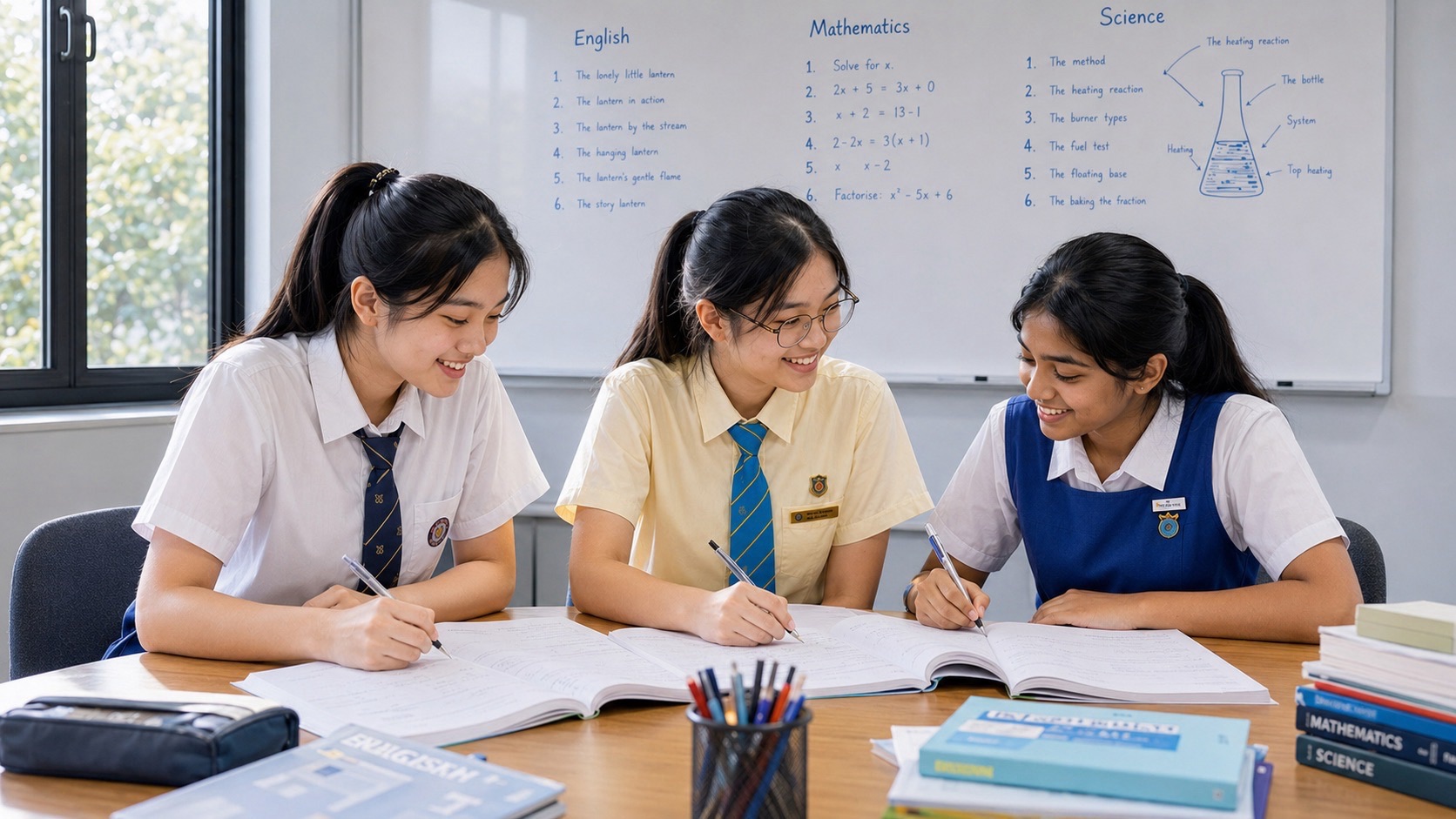
A child moving into Secondary 1 through PG2 may find digital assignments difficult even when the subject content is manageable. Problems can include locating instructions, managing passwords, submitting the correct file or distinguishing schoolwork from distracting online content.
Parents can teach a simple digital routine using only the platforms and devices officially required by the receiving school. Keep account credentials private, check submission confirmation and ask teachers for help when technical barriers prevent work from being completed.
- Confirm the school’s actual platforms and device requirements
- Teach a consistent login and assignment-checking routine
- Separate technical mistakes from academic difficulties
- Practise safe file naming and submission checks
- Seek school support when access fails
Understand PG2 before planning support
Under Full Subject-Based Banding, Posting Groups are used for Secondary 1 admission and guide the initial levels of most subjects. G1, G2 and G3 refer to individual subject levels. A child’s actual offers depend on eligibility and the school’s arrangements; a Posting Group is not a permanent description of ability.
The general PSLE score mapping includes 21–22 with a PG2/PG3 option, 23–24 for PG2 and 25 with a PG1/PG2 option. Families should rely on the child’s official eligibility and current MOE instructions. Historical school cut-offs cannot guarantee admission.
Diagnose the exact difficulty and choose a useful intervention
Find the exact barrier
Ask whether the child cannot log in, locate the assignment, understand the instructions, attach a file or see that submission succeeded. Each problem has a different solution.
Ask the child to demonstrate a short example independently. Identify the first point where reasoning, comprehension or organisation breaks down, teach one specific improvement and revisit the skill with a fresh example after several days.
Create a reliable workflow
Check the school platform at an agreed time, record deadlines in one planner, complete the task and verify submission status. Use school instructions rather than unofficial tutorials that may be outdated.
Ask the child to demonstrate a short example independently. Identify the first point where reasoning, comprehension or organisation breaks down, teach one specific improvement and revisit the skill with a fresh example after several days.
Protect accounts and privacy
Teach the child not to share passwords or one-time codes with friends. Follow school guidance on accounts and devices. Do not publish screenshots containing classmates’ names or private details.
Ask the child to demonstrate a short example independently. Identify the first point where reasoning, comprehension or organisation breaks down, teach one specific improvement and revisit the skill with a fresh example after several days.
Prevent digital distraction
Use a short task goal and a clear stopping point. Where practical, keep unrelated apps and notifications out of the work session. Avoid interpreting every screen-use difficulty as deliberate disobedience.
Ask the child to demonstrate a short example independently. Identify the first point where reasoning, comprehension or organisation breaks down, teach one specific improvement and revisit the skill with a fresh example after several days.
When technology hides a learning gap
If the child can submit files but cannot answer the questions, check comprehension and subject knowledge separately. Technical fluency does not mean academic understanding.
Ask the child to demonstrate a short example independently. Identify the first point where reasoning, comprehension or organisation breaks down, teach one specific improvement and revisit the skill with a fresh example after several days.
Four-week parent action plan
- Week 1: Listen to the child’s concern and gather two or three examples of independent work or school routines.
- Week 2: Teach one manageable strategy and practise it in short, calm sessions.
- Week 3: Check transfer to an unfamiliar example and consult school staff where needed.
- Week 4: Review progress and agree on a sustainable Secondary 1 routine with sleep, CCA and rest.
Frequently asked questions
Does PG2 mean my child must always study every subject at G2?
No. Posting Group and individual subject levels are distinct. Subject offers and future changes depend on applicable eligibility rules and school arrangements.
Does a previous school cut-off guarantee admission?
No. Historical cut-offs reflect an earlier exercise. Verify the correct year, programme and Posting Group.
Should parents arrange extra tuition immediately?
Not automatically. Identify the precise skill gap and check school support first. Tuition may help targeted needs but cannot guarantee posting or examination grades.
When should parents ask for additional help?
Contact teachers when learning problems persist or involve safety. Seek appropriate professional help when distress significantly affects attendance, sleep or daily functioning.
Official information and further reading
MOE Secondary 1 Posting · MOE SchoolFinder · Secondary 1 Mathematics Tutor Clementi — Small Groups Tutorials
Information reviewed for publication on 22 November 2026. Always confirm current-year eligibility, deadlines and subject-level arrangements with MOE and the receiving school. No school posting or academic outcome is guaranteed.