
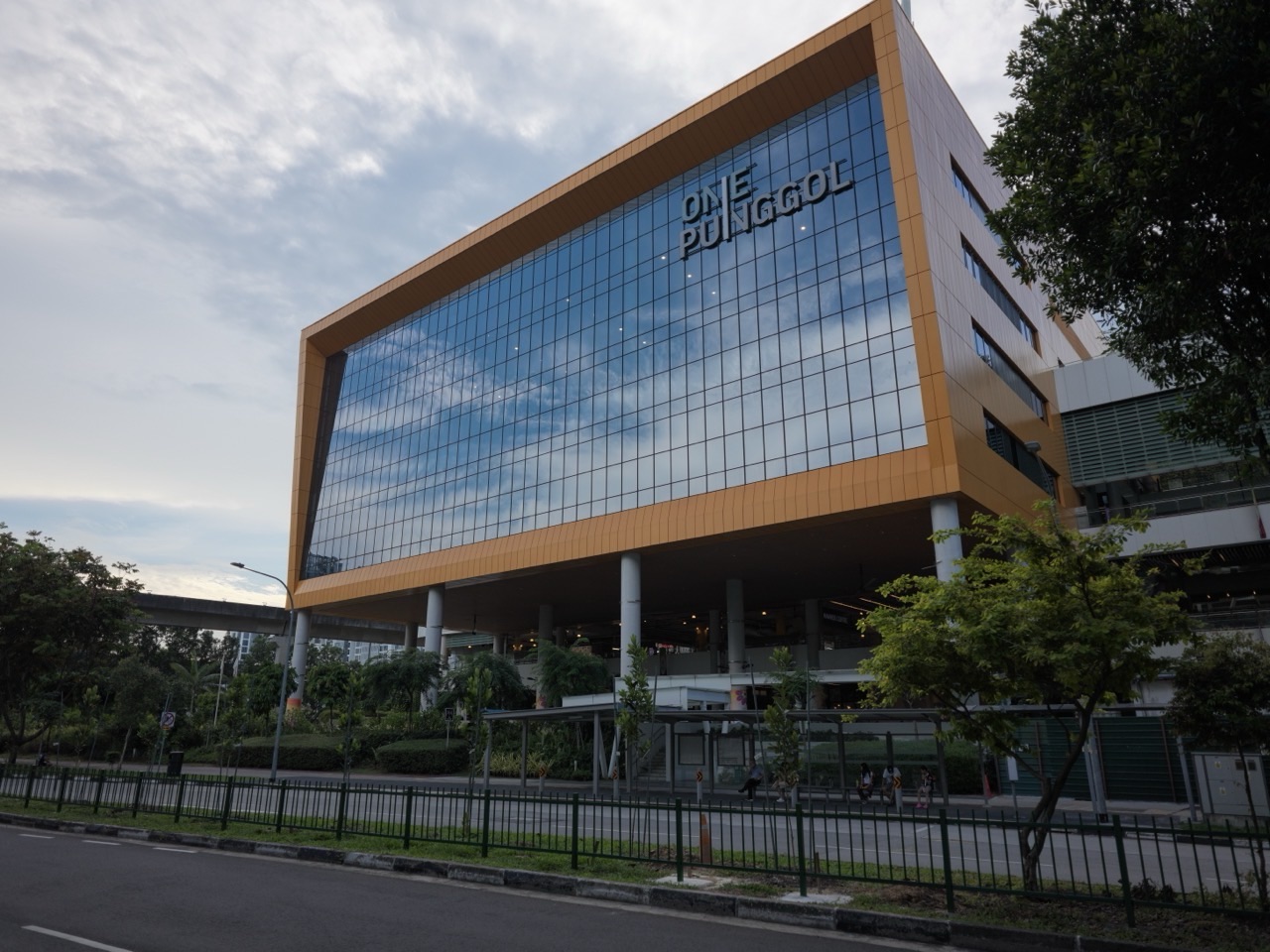
Start with a MakeIT 3D Starter Session if you are new to the equipment at Punggol Regional Library. MakeIT is on Level 4 inside One Punggol. NLB directs new equipment users to its starter sessions for certification before they make a MakeIT Yourself equipment booking.
Book the session that matches what you want to do. A beginner workshop helps you learn the process. An equipment booking gives a certified user time on a machine. Check the specific event or booking page for age, eligibility, sign-in and what to bring.
- Venue: MakeIT, Level 4, Punggol Regional Library.
- Address: One Punggol, 1 Punggol Drive.
- New users: Check the 3D Starter Session and certification requirements.
- Equipment: Use NLB’s Punggol 3D printer booking link once eligible.
Choose the right first session
Use the current Punggol Library programme listing to find a 3D Starter Session. Check the date and age range on the individual event. An introductory creative workshop and the equipment starter session can have different purposes, so read the description if your goal is independent equipment use.

Bring the details requested by NLB and allow time to reach Level 4. If you are bringing a teenager or arranging a group outing, check individual eligibility and registration rather than assuming one sign-up covers everyone.
Back to contents · Next section
Book equipment when you are ready to print independently
Go to NLB’s Book Equipment page and use the 3D printer link under Punggol Library. The page asks new equipment users to obtain the appropriate certification and says Singpass verification is part of the booking process. Check the terms and the available time before confirming.
Prepare a small first project. Make a note of what you want to print and check the current guidance on file preparation, allowed materials and what fits within a session. If you are unsure which steps you can complete at home, ask staff or check the on-site equipment guide.
Treat a printer booking as a specific equipment reservation. Keep the confirmation and check the branch, date and machine type. If your plans change, use the booking instructions to manage the slot.
Back to contents · Next section
Give the first visit a clear goal
For a starter session, aim to understand how a digital design becomes a physical object. Note the steps that you need to repeat later. For independent use, start with a simple object so you have time to observe the process and ask a focused question if something goes wrong.
Do not handle equipment outside the instructions. Ask staff if you are unsure about materials, setup or a print that stops. Leave time to complete the end-of-session steps and clear the workstation.
If you are visiting with younger children, check Spark!Lab’s separate age and activity listings. The two spaces are on different floors and offer different kinds of making.
Back to contents · Next section
Frequently asked questions
Which level is MakeIT?
Level 4 of Punggol Regional Library.
Can a new user immediately book a 3D printer?
NLB directs new equipment users to its starter sessions for certification before equipment bookings.
Where do I book a printer?
Use the Punggol Library 3D printer link on NLB’s Book Equipment page.
Is MakeIT the same as Spark!Lab?
MakeIT is on Level 4. Spark!Lab is a separate Level 2 space.