
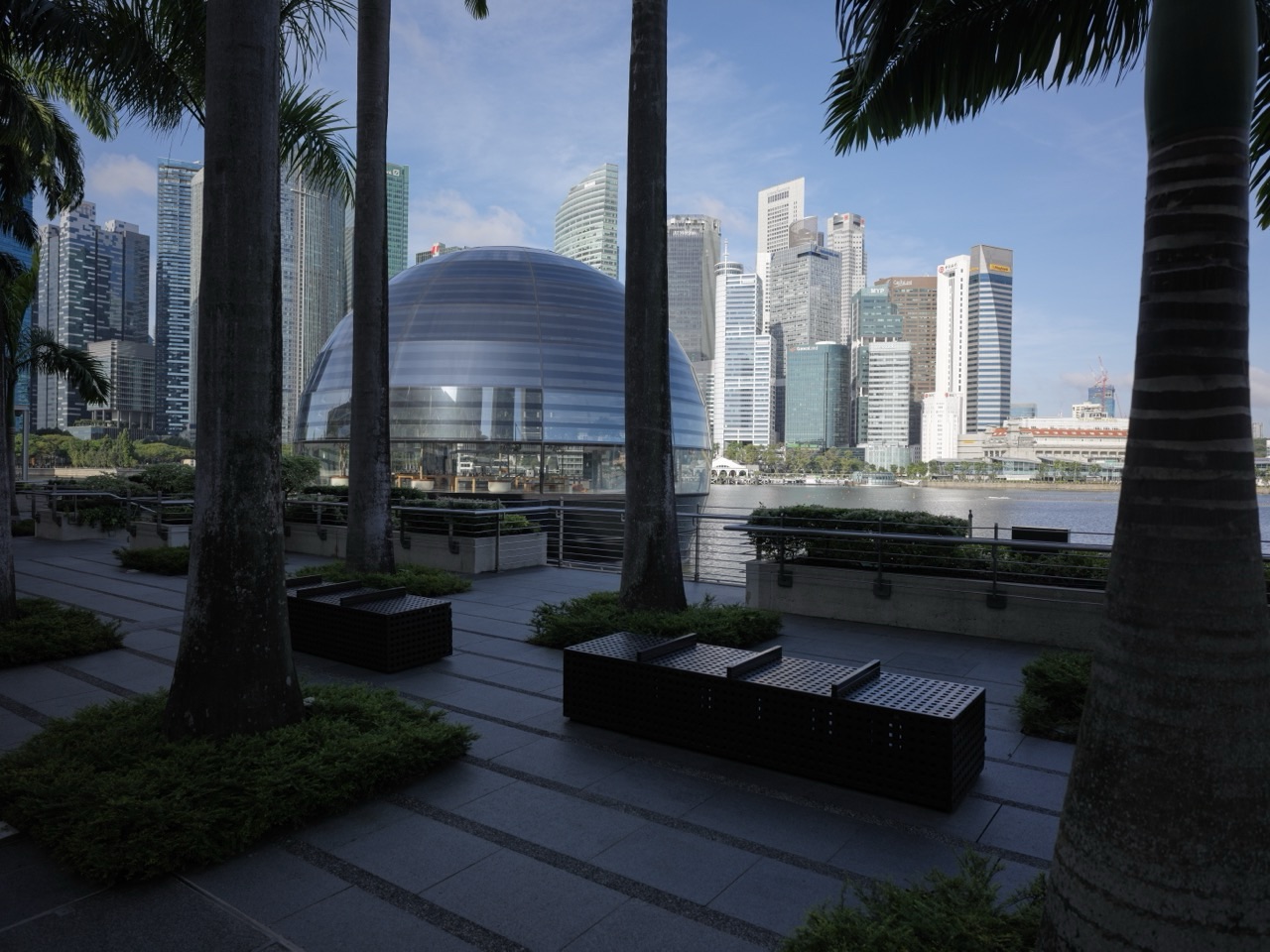
Use the Today at Apple calendar for Apple Marina Bay Sands to find a free session and sign up. Choose a date and open the session page to check the time, location and anything you need to bring.
Apple lists different sessions as the schedule changes. A product basics class and a photography session can involve different activities or meeting instructions. Use the listing for the exact session you want to attend.
- Use the Today at Apple calendar for Marina Bay Sands.
- Check date, time and availability before travelling.
- Read the session’s device and meeting instructions.
- Use the Apple Marina Bay Sands store name when sharing directions.
Plan your visit
Guide contents
Choose the session that matches what you want to learn
Browse the Marina Bay Sands calendar and open the individual listing. If you want help getting started with a device, choose the relevant beginner session. If you want photography practice, check whether the session involves walking or working on location.
When booking for more than one person, check the available places and any group options. Use the confirmation to keep the date and session name together.
Arrive at the right Apple Store
The Marina Bay Sands store is the waterfront Apple Store by The Shoppes. Follow the confirmation for your meeting point. If you are coming by MRT, use Bayfront and follow the resort signs for The Shoppes.
If your group is meeting before the session, share the specific store name. Apple Orchard Road is a separate branch.

Prepare for a short workshop
Check the session description for the device, app or material it uses. If you are bringing a device, charge it and have it ready. Ask staff about the arrangement if the listing does not answer your equipment question.
Choose one thing you want to practise afterwards, such as framing a portrait or trying a camera setting. It gives you a simple way to use what you learned on the same day.
Common questions
Are Today at Apple sessions free?
Apple describes these sessions as free. Check the specific listing for availability.
Can I choose any branch?
Use the Marina Bay Sands calendar for this store and verify the venue in the booking.
Does the schedule change?
Yes. Check the live calendar for the session you want.